Daily routines for your kids
Plan morning, afternoon, and evening tasks for children aged 5–12. Follow their progress and mood in the parent dashboard.
Plan morning, afternoon, and evening tasks for children aged 5–12. Follow their progress and mood in the parent dashboard.
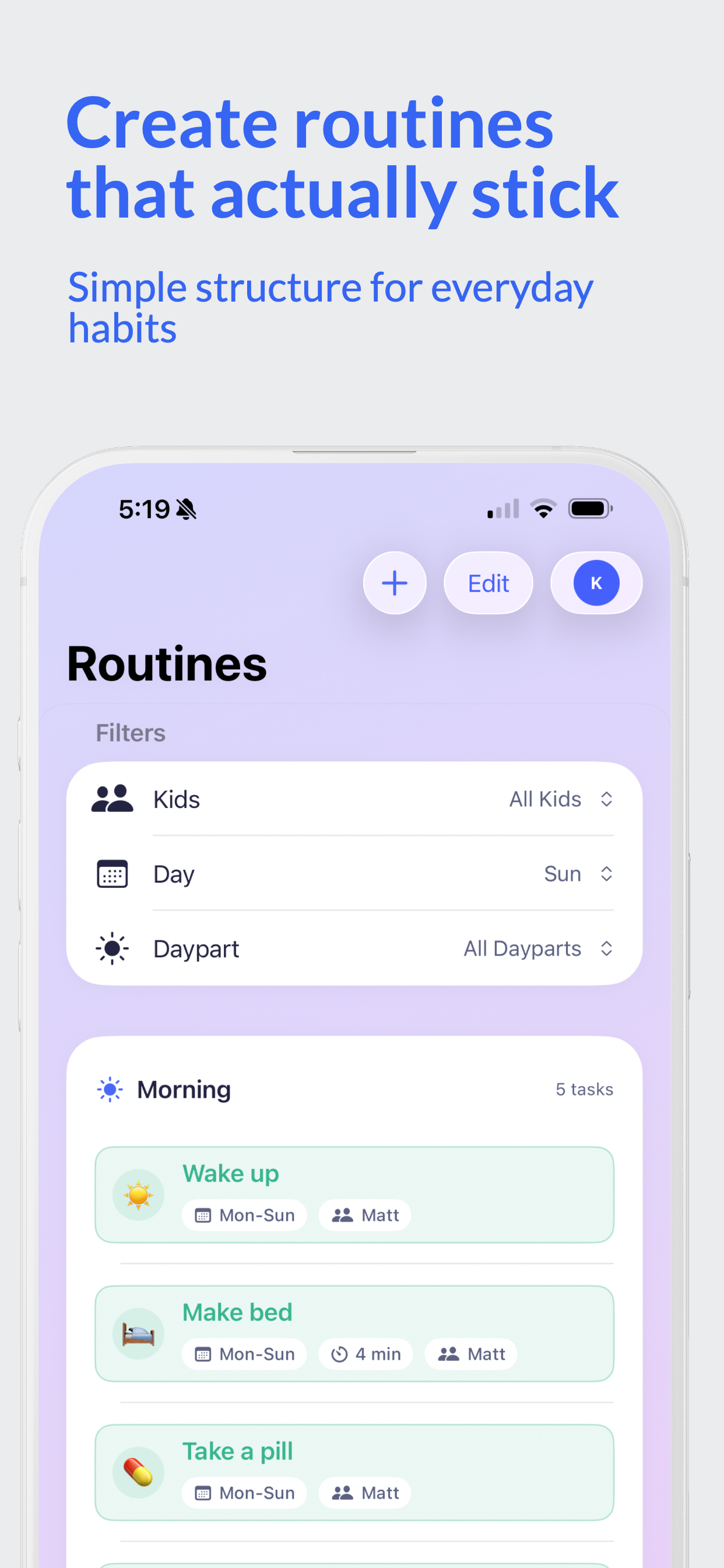
Organize tasks by morning, afternoon, and evening. Children can see what to do now and what comes next.
A daily mood rating helps children describe how they feel and lets parents follow changes over time.
Children reflect on what went well, what felt tricky, and what they'd like to try tomorrow.
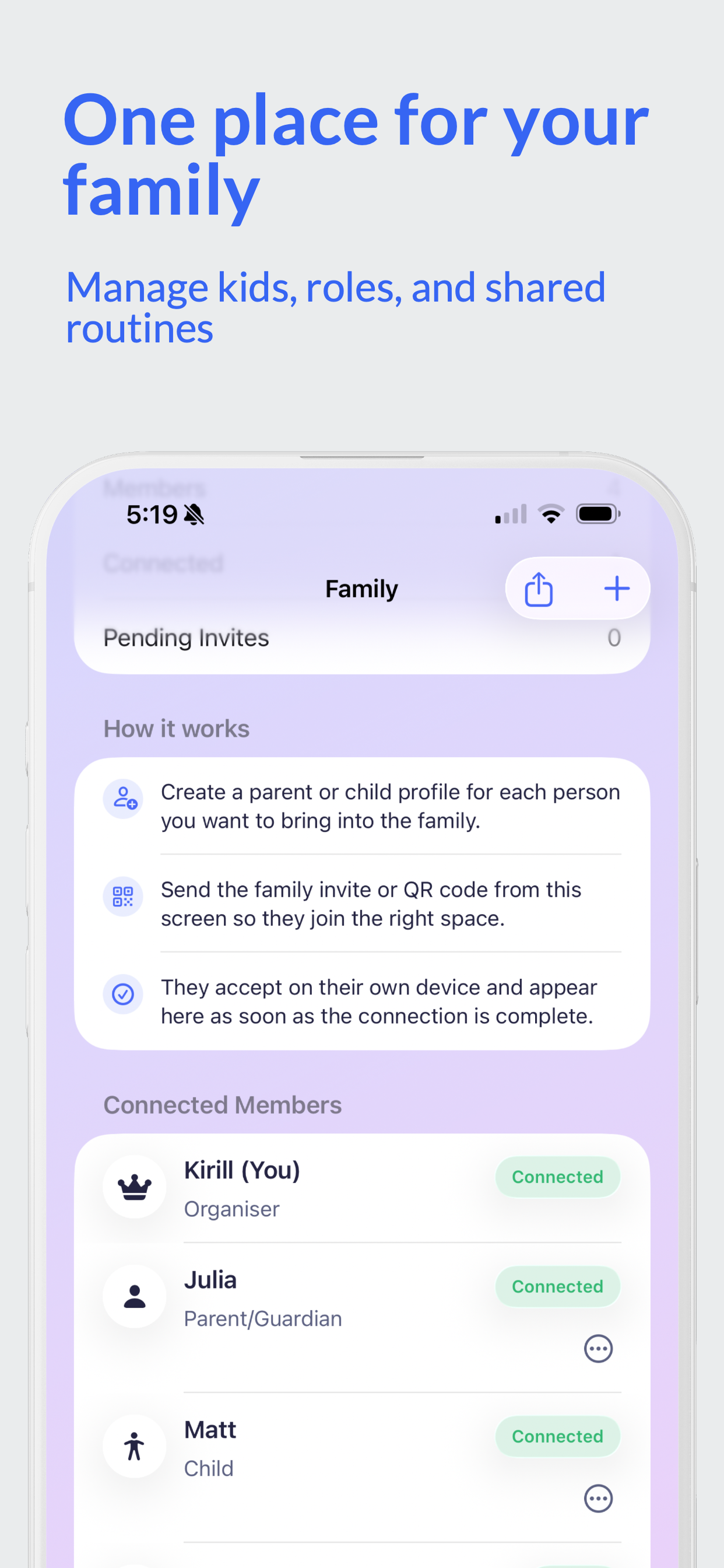
Sign in to iCloud and invite family members with a QR code or link. Routines and progress sync across connected devices.
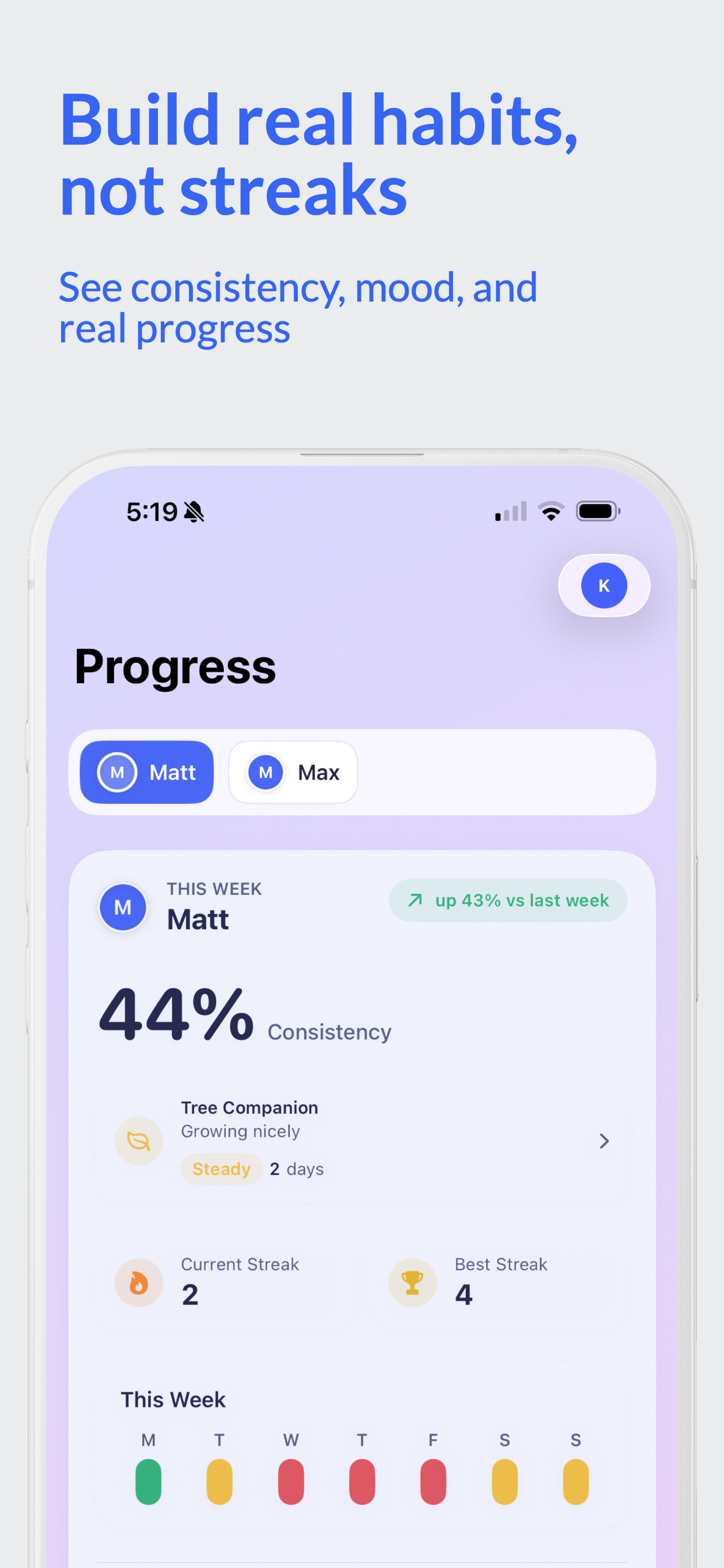
Create routines and view weekly consistency, mood check-ins, and the reflections your child shares.
Family routines are stored on your devices and synced through iCloud. The app uses Firebase for usage analytics and crash reports. Read our privacy policy.
Find answers to common questions below, or reach out to us directly.
One parent creates a family and sets up daily routines for their children. The device must be signed into iCloud for family syncing to work. If your child has their own device, invite them by scanning a QR code or sharing an invite link. You can also use a single shared device and switch between Parent and Child mode.
Family routines and progress sync through iCloud. Each device needs to be signed in to an Apple Account. To connect another family member's device, use a family invite link or QR code.
Make sure all devices are signed into iCloud with an active internet connection. Go to Settings → Apple Account → iCloud and confirm that OsomeDay has iCloud access enabled. Try restarting the app. If the issue persists, contact us.
The free plan supports one child with up to three tasks each morning, afternoon, and evening, for nine tasks total. Premium supports up to four children and unlimited active tasks.
In Parent mode, open Settings, choose Premium, and tap "Restore Purchases." Sign in with the Apple Account used for the purchase.
Children can complete tasks for the current or an earlier part of the day. Future tasks stay visible but locked until their scheduled part of the day. Anytime tasks are always available.
Family routines, completions, moods, and reflections are stored on your devices and synced through Apple's CloudKit. The app also sends usage analytics and diagnostics to Google Firebase. See our privacy policy for details.
Deleting the app removes its local family-data cache from that device. Family data stored in iCloud and previously sent analytics, diagnostics, and support messages are separate. Email day@osome.dev for help removing family data or requesting deletion of support messages and service data.
OsomeDay is designed for children aged 5–12 with a parent or guardian. Parents set up routines and manage the optional Premium subscription. Children follow tasks, record their mood, and reflect on their day. The app uses Firebase Analytics and Crashlytics in both modes; see the privacy policy for details.